
When something on Campfire isn't working the way it should — an integration that stopped syncing, a revenue schedule that's calculating incorrectly, a new entity that needs configuring before next month's close — you need help fast. Not next quarter. Not when a US-based support queue gets to your ticket.
Cynder's Campfire support service gives Australian and New Zealand finance teams direct access to local specialists who know the platform end-to-end. Raise a ticket, talk to someone who has actually solved the problem before, get it fixed.
Available without a long-term retainer. Pay for what you use, when you use it.
Our support service covers the operational and technical issues that come up after Campfire is live. The most common requests fall into five categories.
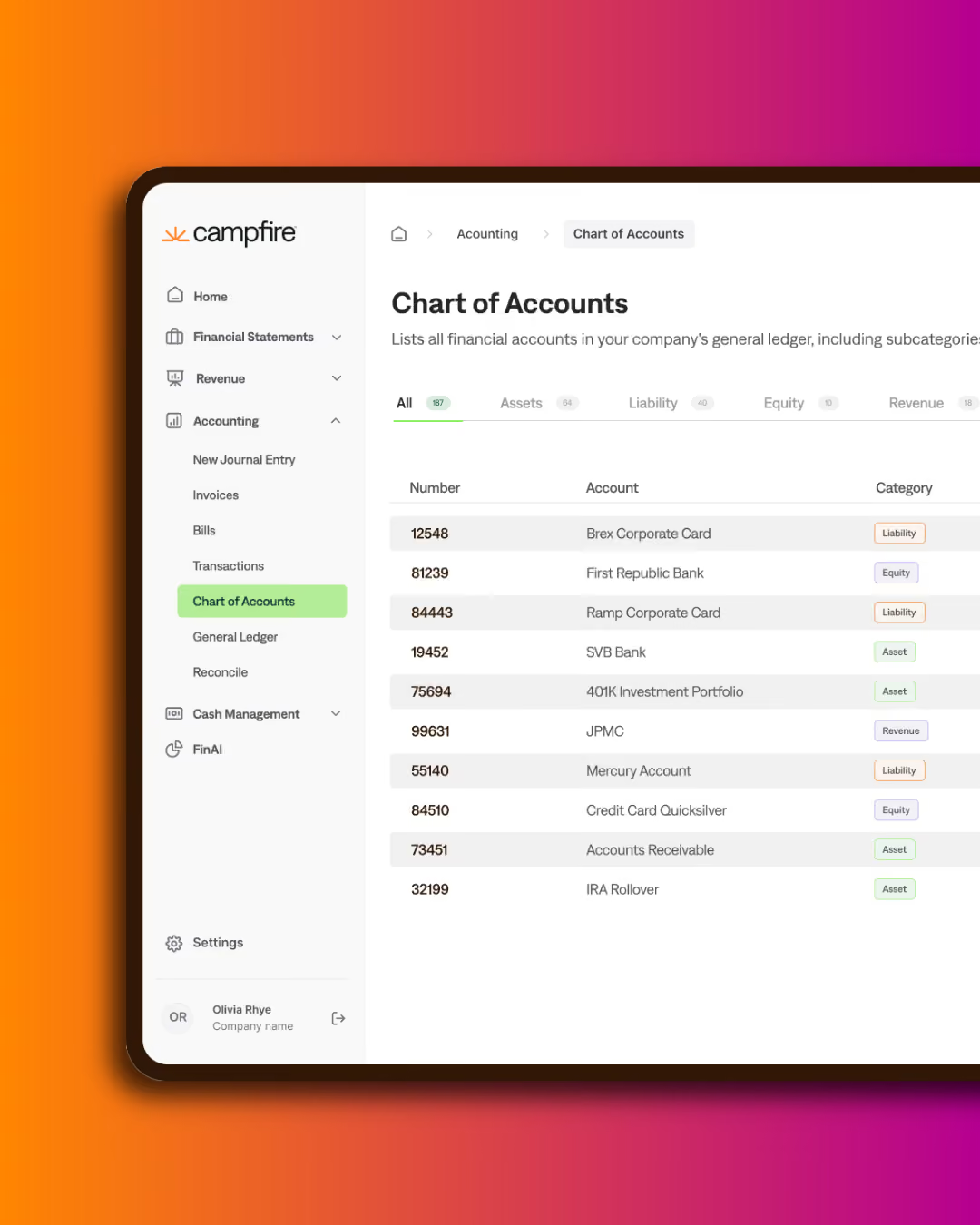
Configuration Changes. New chart of accounts entries, new departments, new custom dimensions, new approval workflows. We make the change, validate it against your existing data, and document what was done.
Integration Issues. Sync failures, mapping problems, missing data, duplicate transactions. We diagnose what's actually wrong, fix the underlying issue, and confirm the data is clean before closing the ticket.
Reporting and Custom Views. New dashboards, custom report layouts, formula adjustments, drill-down configurations. If Campfire's standard library doesn't have the view you need, we build it.
New Entity Setup. Adding a new legal entity, jurisdiction, or business unit to your Campfire instance — including consolidation configuration, intercompany setup, and entity-specific permissions.
User Management and Permissions. Adding new users, configuring role-based permissions across multiple entities, troubleshooting access issues, and aligning user access with your SOX or audit requirements.
If your issue doesn't fit one of these categories, raise it anyway. If it's something we can solve, we will. If it's outside scope or better handled by Campfire's product team, we'll tell you that and point you to the right channel.
Our support service is designed for clarity and speed. No long sales cycles, no minimum retainer, no surprise invoices.
Submit Your Request. Describe what you need through our support intake. Include the affected entity, integration, or workflow, and any error messages or screenshots.
Scope and Estimate. A Cynder specialist reviews your request and responds with a scoped fix and an estimated time to resolution. You approve before any work begins.
Resolution. We do the work, validate the fix against your live data, and document what was changed. Most tickets resolve within 1–3 business days, depending on complexity.
Documentation. Every resolved ticket includes a written summary of what was changed, why, and how to verify it. Your audit trail stays clean.
Some businesses raise a support ticket once a quarter. Others find themselves raising one every few weeks. If your usage pattern looks more like the latter, a Cynder Managed Services engagement will almost always be more economical and more effective.
Three signals it's time to upgrade:
When any of those become true, we'll proactively suggest a Managed Services conversation. The transition is straightforward: existing tickets fold into the retainer, the relationship shifts from reactive to proactive, and the per-issue cost drops significantly.
Three things make Cynder's support service different from Campfire's own product support or from generalist accounting firms offering Campfire help.
We do this every day. Cynder is a Campfire-specialist practice. The same team configuring multi-entity implementations, building custom integrations, and running managed services is the team answering your tickets. The expertise compounds — issues we've seen before resolve faster the next time.
We work in your time zone. Campfire's product support is excellent but operates from US working hours. When something breaks at 9am Sydney time, you're talking to a team that's already asleep. We're awake. We answer.
We close the loop with documentation. Every ticket leaves a written record. Six months from now, when your auditor asks why a configuration was changed, the answer is in your ticket history, not in someone's memory.
A short conversation is all it takes to get set up. We'll confirm scope, walk you through the intake process, and have you ready to raise tickets within days.
If you're already on Campfire and something needs fixing today, raise a ticket directly — no introductory call required.